
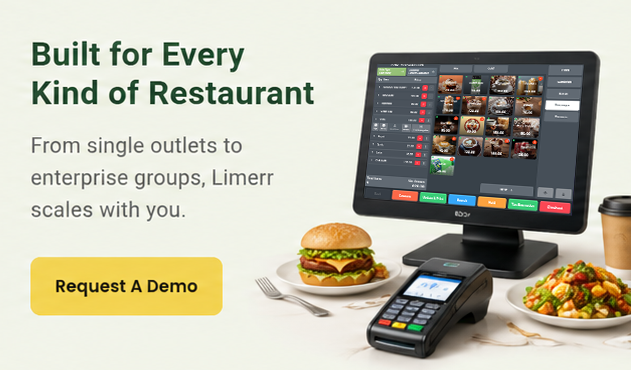
Restaurant Stock Counting & Transfers Software
Simplified Stock Counting & Transfers for Restaurants
Count inventory quickly, transfer stock with confidence, and keep real-time accuracy across all locations.
Why Accurate Stock Counting & Transfers Matter
Inaccurate counts and uncontrolled transfers lead to wasted stock, hidden costs, and lost margins. Limerr’s stock counting and transfer tools simplify your processes, reduce errors, and give you a true picture of inventory across your entire operation.
With Limerr, you can:
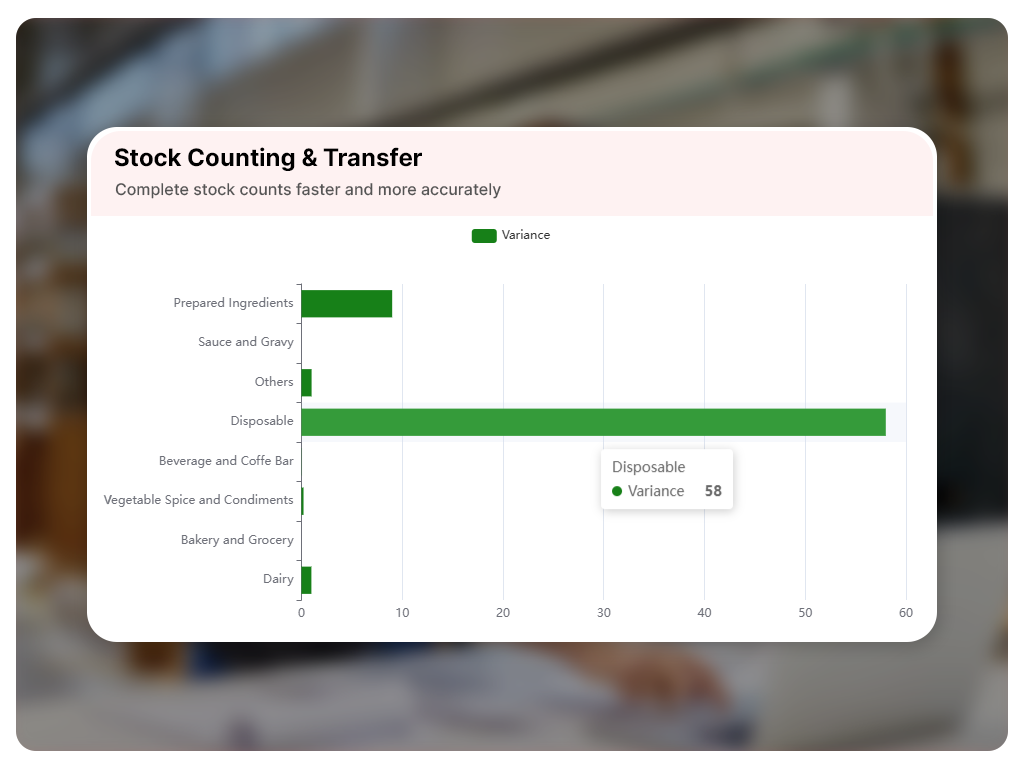
- Complete stock counts faster and more accurately
- Track movement between locations and storage zones
- Prevent stockouts and excess inventory
- Improve food cost and variance control
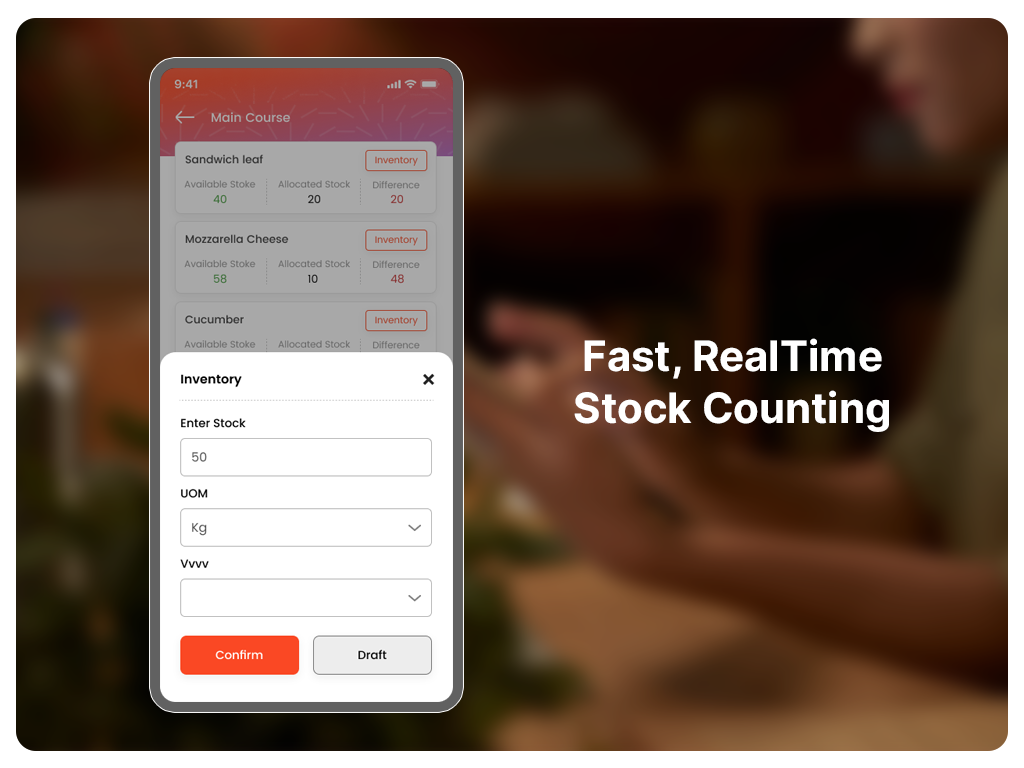
Fast, RealTime Stock Counting
Perform inventory counts that are fast, structured, and reliable.
- Count by ingredient, batch, packaging, or location
- Use mobile/handheld devices for onthefloor scanning
- Categorybased templates for consistent counting
- Immediate count results update your inventory and recipes
- Reduce manual errors and reconcile discrepancies on the spot
Outcome: Inventory counts that are accurate, fast, and actionable.
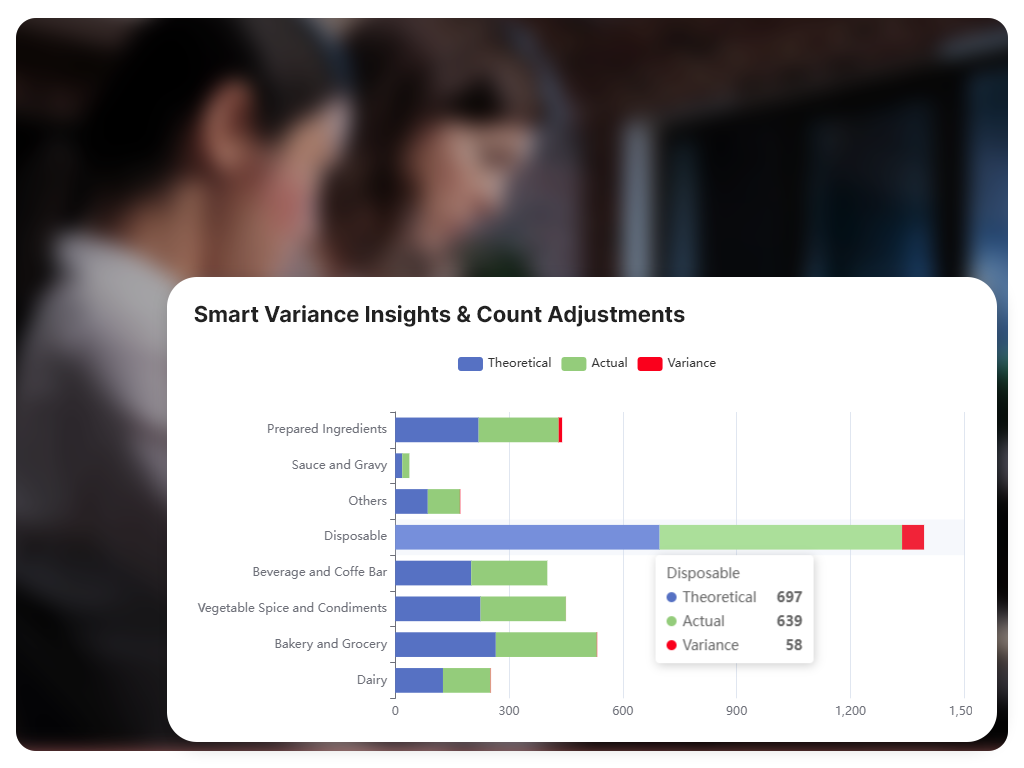
Smart Variance Insights & Count Adjustments
Don’t just count — understand what changed.
- Compare expected stock vs actual count
- Highlight variances by location or item
- Investigate and document discrepancies
- Track variance trends over time for operational improvement
These insights help you identify errors, waste patterns, and training opportunities.
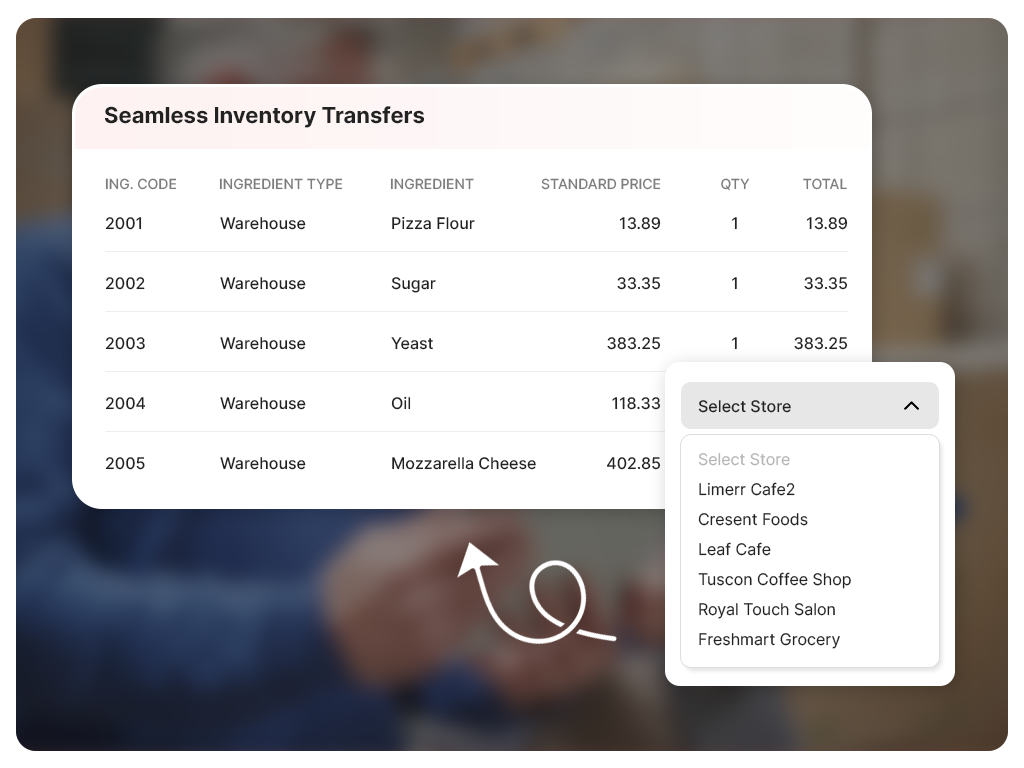
Seamless Inventory Transfers
Move stock between within outlet, between outlets, warehouses, and central kitchens with full transparency.
- Initiate transfers with clear source and destination
- Autoupdate stock on both ends upon approval.
- Track who transferred what and when
- Minimize emergency purchases and stock imbalance
- Better understanding on future stock planning.
Outcome: Accurate, traceable stock movement everywhere.
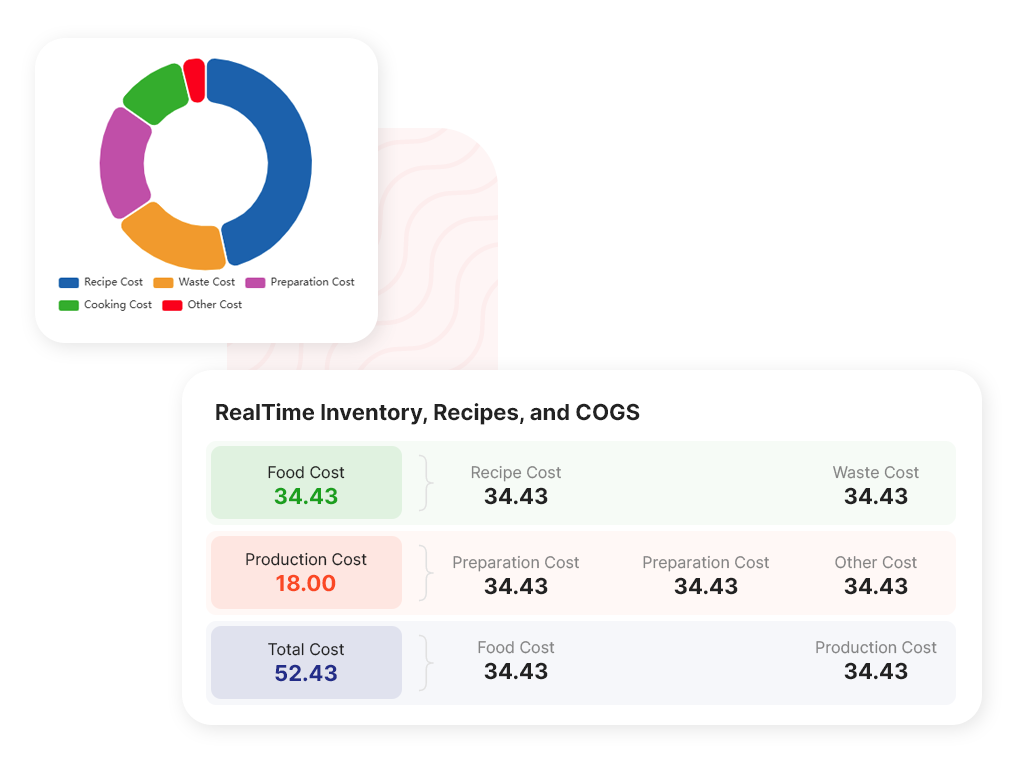
Integrated with RealTime Inventory, Recipes, and COGS
Stock counts and transfers are not isolated events — they immediately impact your key operational data:
- Recipe ingredient levels update instantly
- Dish cost (COGS) calculations adjust in real time
- Alerts trigger if counts drop below thresholds
- Reports reflect accurate status for every process
This tight integration ensures operational decisions are based on true, uptodate data.
Mobile & Handheld Stock Management
Empower your staff with easy scanning and counting from mobile devices:
- Scan barcodes or item codes to count stock
- Record counts, transfers, and adjustments on the go
- View alerts and requirements midshift
- Sync counts immediately to Limerr dashboard
Outcome: Mobile counting reduces paperwork, errors, and downtime.
Alerts & Threshold Notifications
Stay ahead of issues with realtime alerts:
- Low stock notifications to prevent shortages
- Negative or unexpected count alerts
- Notifications for expired or expiring stock
- Alerts tied to cost impact for smarter actions
Outcome: Alerts turn data into action — before problems affect your operations.
Use Cases Where Stock Counting Makes a Difference
Keep all stores aligned on real inventory
Manage shared stock and transfers
Speed and accuracy for affordable food cost control.
Frequently Asked Questions
Restaurant Stock Counting & Transfers
Can I count inventory by unit, batch, or packaging?
Yes — Limerr supports flexible count methods to match your workflow.
Does stock counting update recipes and COGS automatically?
Yes — counts immediately reflect in recipe ingredient levels and COGS.
Can I transfer inventory between multiple locations?
Yes — transfers are tracked and updates applied to both source and destination.
Can staff count inventory from mobile/handheld devices?
Yes — mobile counting makes onfloor tracking fast and convenient.
Will I get alerts for low or negative stock?
Yes — Limerr triggers realtime alerts to prevent gaps or shortages.